
Wissly-in-a-Box
Your knowledge. Your network. One appliance.
Bring AI infrastructure and software together. An integrated appliance with Wissly and local AI connects internal document search, answers, and source verification.
Wissly-in-a-Box · Product demo
What could it do for your team?
From finding documents and checking sources to analyzing spreadsheets and drafting reports. See the workflow in this on-premise AI demo.
Discuss your deployment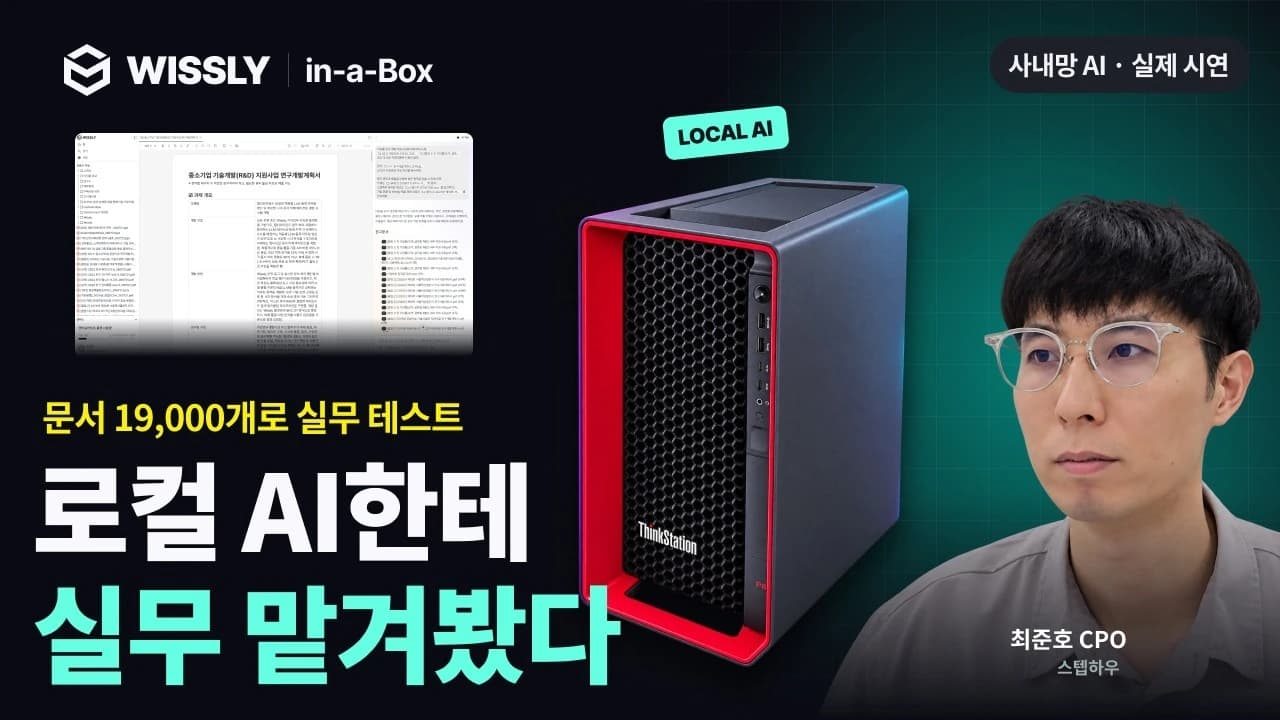
Hardware and AI, configured together.
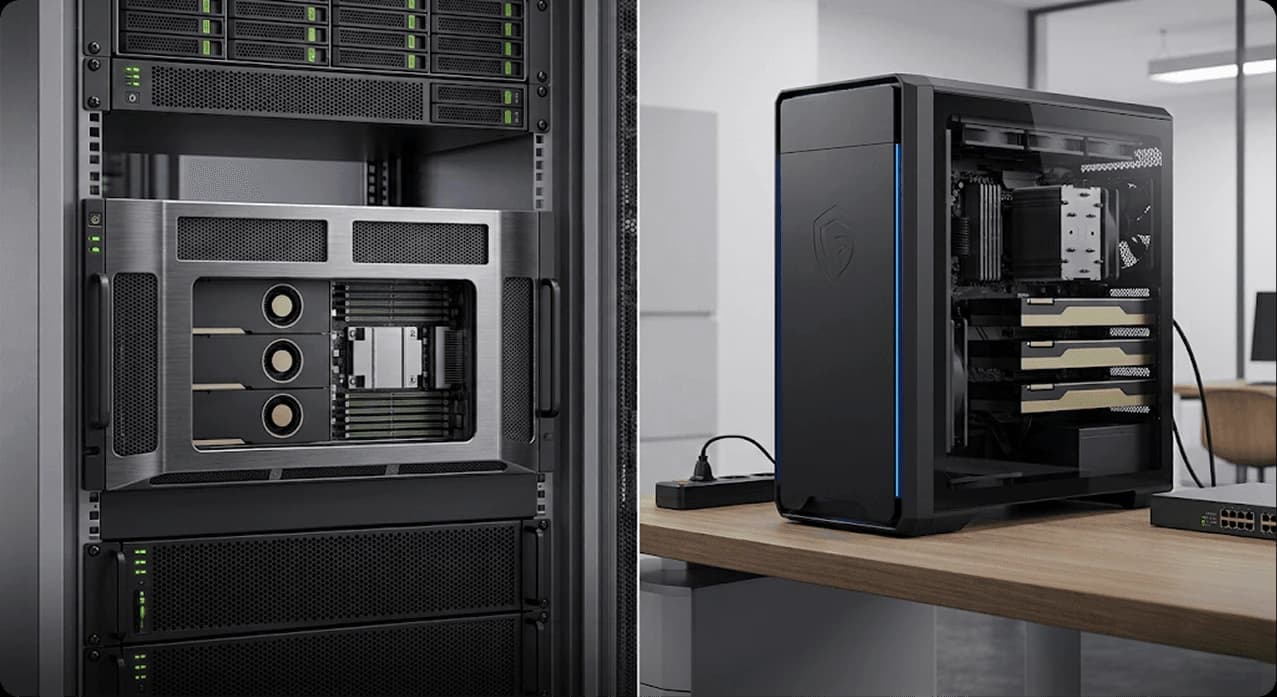
Wissly-in-a-Box is an approach to on-premise deployment. Instead of assembling GPU servers and an AI stack separately, adopt the components for working with internal knowledge together.
- AI appliance
- Standard hardware with GPUs, CPU, memory, and storage
- Wissly software
- Document connections, search, answers, and source verification
- Local AI stack
- LLM, embeddings, and vector store operating within your network
Connect your knowledge. Keep it working.
You do not need to upload documents again for every question. Connected documents are analyzed into a reusable search index, with changed files updated through incremental indexing.
Connect internal data
Configure document locations and access scope on PCs, NAS, and internal servers.
Build the initial index
Parse, chunk, and embed documents to build a searchable index.
Update changed files
Incrementally index added or modified files for subsequent searches.
Ask and verify
Retrieve relevant documents, generate an answer, and verify the cited sources.
Built for document AI
Review hardware, connections, and operating requirements together. Your final configuration is confirmed during consultation.
Hardware
- GPU
- NVIDIA RTX PRO 6000 Blackwell Server Edition (minimum 2 GPUs, configurable up to 4 based on user count)
- CPU
- Intel Xeon Platinum 8559C, 24C / 48T
- Memory
- 512GB RAM
- Storage
- EBS 1TB + NVMe Instance Store 3.5TB
- Network
- eth0 10GbE
AI software
- Local AI
- LLM, embeddings, and vector store
- Document workflows
- Document search, RAG-based answers, and source verification
- Indexing
- Initial document indexing and incremental updates
Connections and operations
- Data sources
- Documents on PCs, NAS, and internal servers
- User access
- A browser-based workspace for business users
- Access, audit, and administration
- Scoped to your organization’s policies and contract
- Integration and operational support
- Agreed according to installation and operating responsibilities
What to prepare before deployment
Start with your current environment, from available space to document locations. Installation requirements, configuration, and schedule are agreed after reviewing your needs.
- Installation space and operating environment
- Power and internal network connections
- Security policies and access permissions
- Document locations, formats, volume, and integrations
Review your environment
Review your data, installation space, power, network, and security requirements.
Agree on the configuration
Agree on hardware, software, integrations, and support for your workflow.
Install and connect
Install the appliance and configure connections to internal documents and systems.
Validate operations
Validate results with real questions and documents, then review operating procedures.
Before you deploy
Talk to salesHow does this differ from other on-premise deployments?
Is our data used to train AI models?
Does every document change require a full rebuild?
What information do you need for a quote?
Start with your organization’s data environment.
We will help scope connections, deployment, and the material needed for security review.