
Connect and use company data, all within your network.
Use local AI to search documents, ERP, and groupware, check the original sources, and draft work documents.
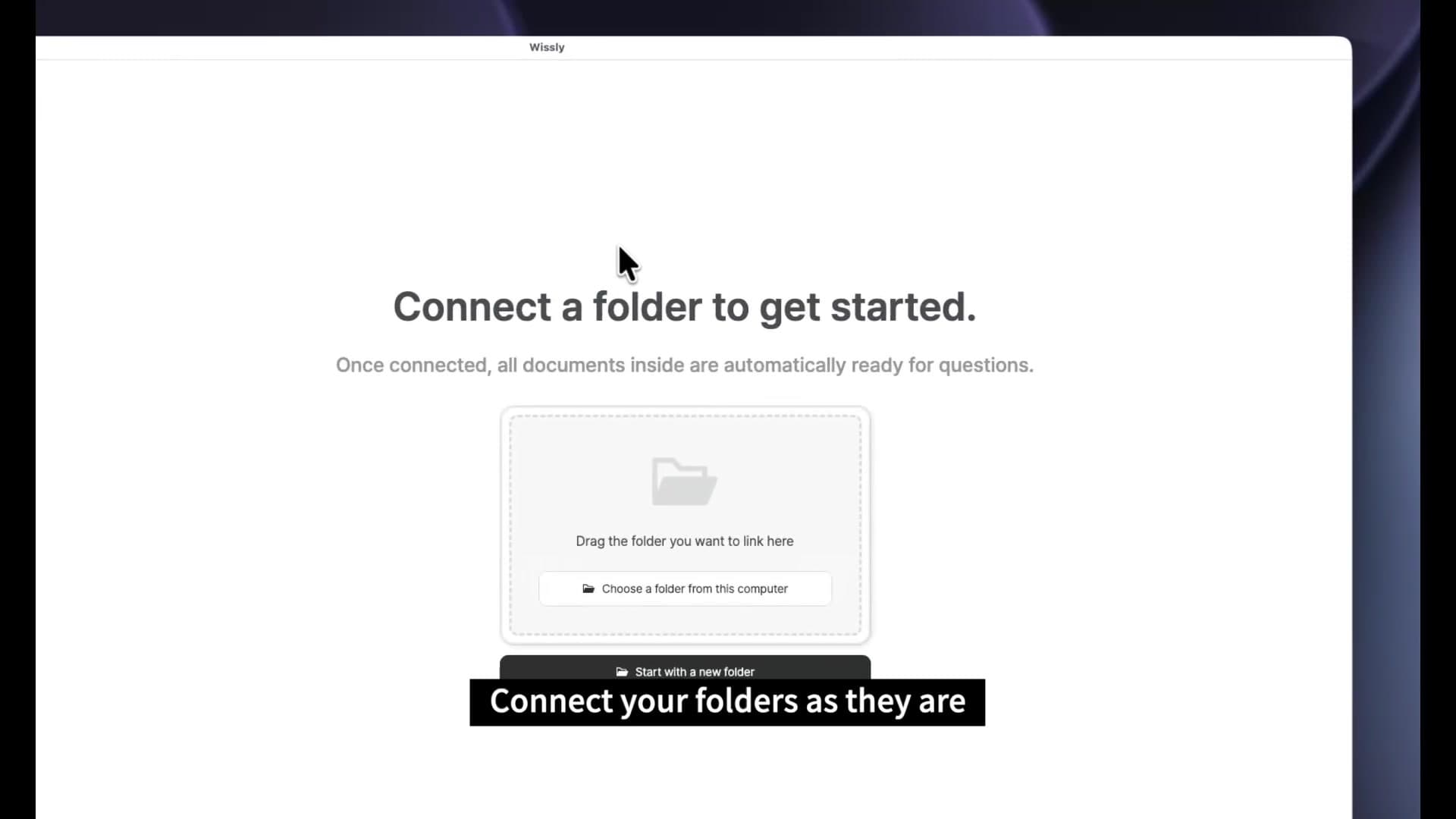
Documents
Find it by meaning, not by filename.
Connect documents from your computer and shared folders. Ask your connected sources and check the original text, without picking files to upload for every question.
- Service proposal.pdf
- Maintenance guide.docx
- Quotation.xlsx
What maintenance was included in our last proposal?
It includes a monthly inspection and fixes for issues encountered during operation.
Maintenance scope: one inspection per month and operational issue fixes
ERPCustom integration
Ask for the status you need. Skip the maze of menus.
Connect the records you work with, such as purchase orders and expected deliveries. Ask a question and review the results instead of collecting records across menus.
We scope the connected data, permissions, and update process to your company's systems.
- Purchase orders
- Expected deliveries
- Item records
Which purchase orders are due to arrive this week?
2 purchase orders are due to arrive.
| Item | Expected arrival | Quantity |
|---|---|---|
| Office monitorsPO-0921 | Sep 25 | 12 units |
| Work laptopsPO-0922 | Sep 26 | 6 units |
Source evidence: ERP / Purchasing / Purchase orders
GroupwareCustom integration
Find the guidance behind notices and approvals.
Connect the guidance in internal notices and approval documents. Find what you need to prepare before asking a colleague, and check the instructions behind each answer.
We scope the connected data, permissions, and update process to your company's systems.
What documents do I need for a travel expense claim?
An answer from connected sources
- Complete the expense formApproval form / Travel expense form
- Attach transport and hotel receiptsInternal notice / Travel expense guidelines
- Include the purpose and datesApproval form / Travel expense form
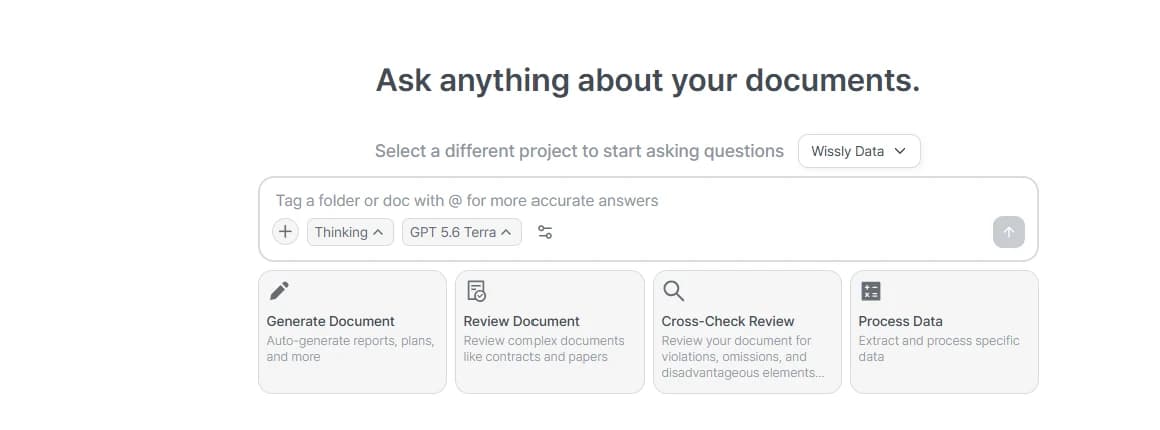
Find the information you need by asking.
Search across connected company data. Select a project or document to narrow the scope of your search.
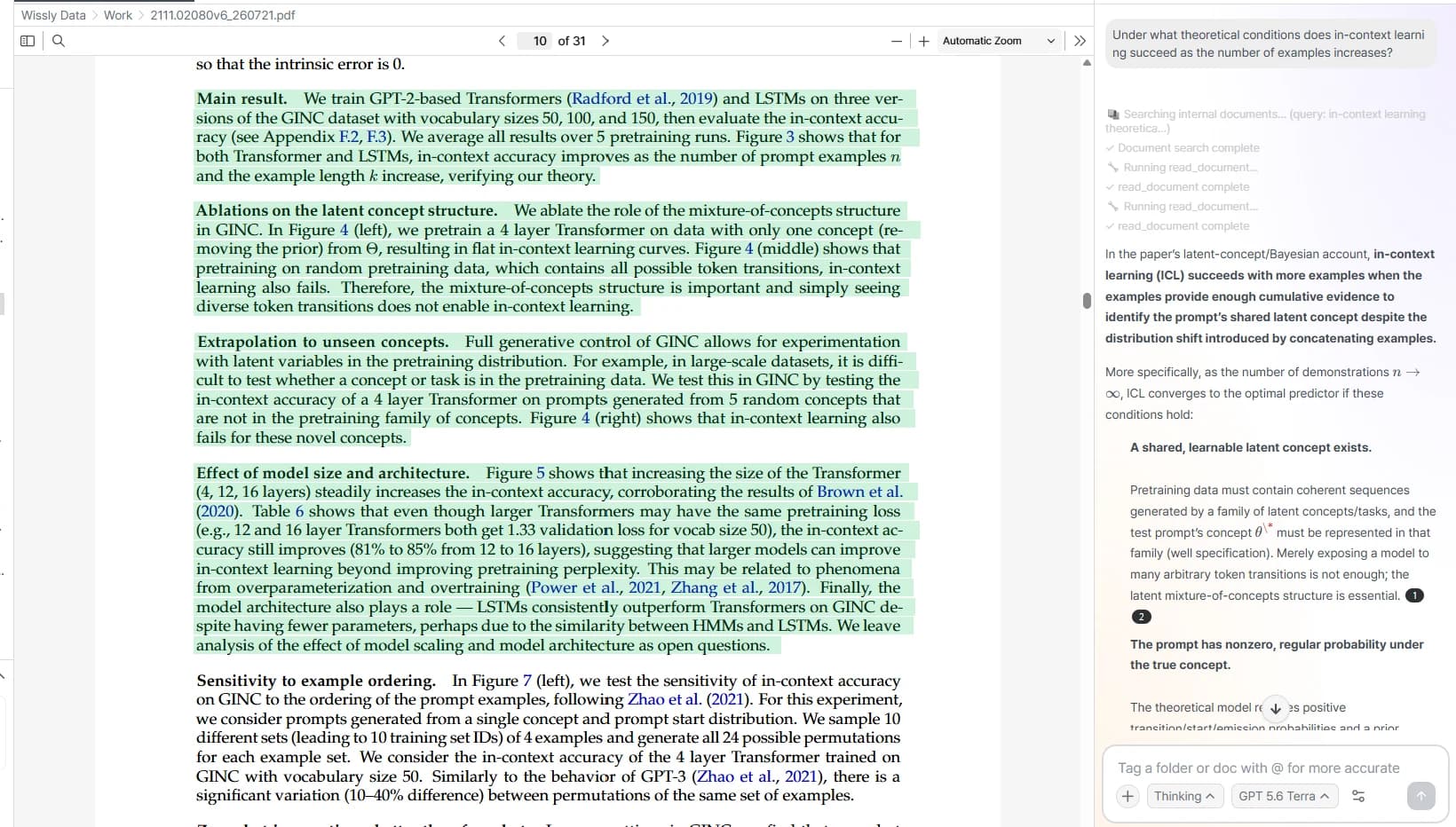
Review answers alongside their sources.
See which documents support an answer and review the relevant passages in the original text.
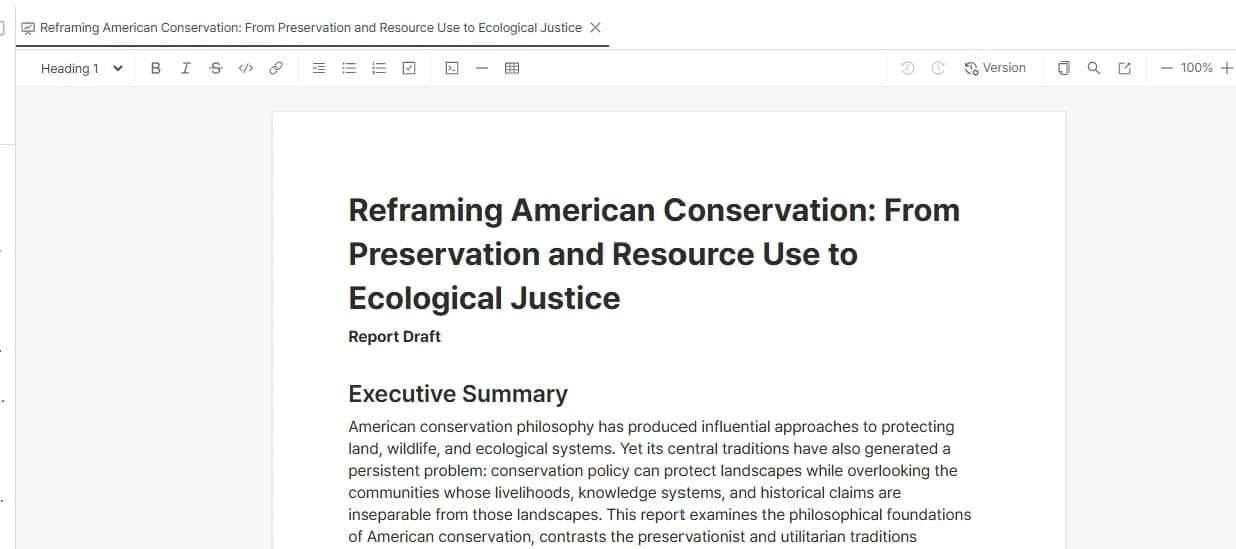
Turn what you find into a report draft.
Summarize information you have checked across sources, or use it to write a draft and edit it for your task.
Start with your organization’s data environment.
We will help scope connections, deployment, and the material needed for security review.